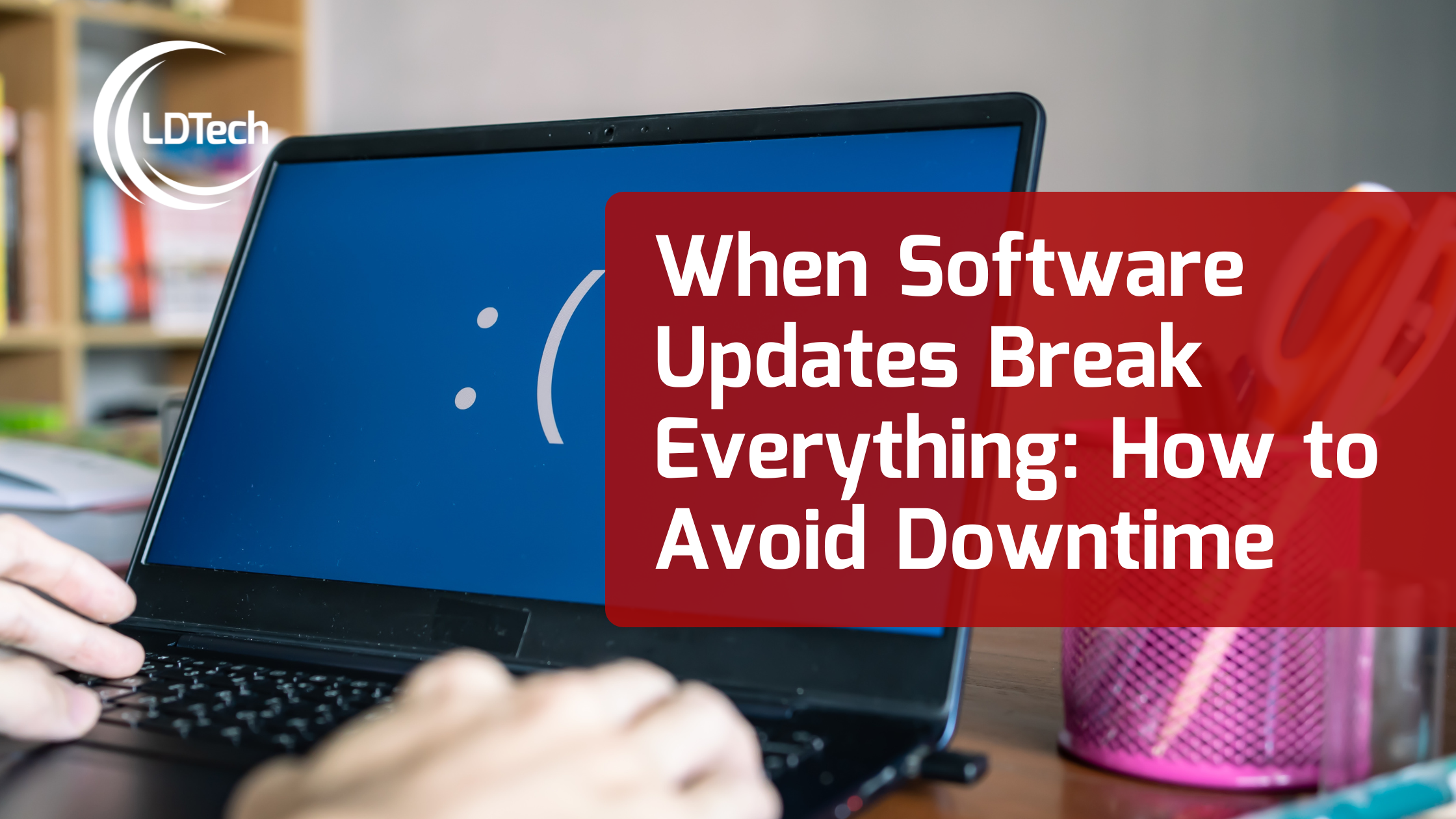
There’s nothing like starting your workday with a full inbox and a fresh cup of coffee, only to find your software won’t open, your printers won’t print, and nothing works quite the way it did yesterday. What happened?
The culprit is often a software update. While updates are designed to improve performance and security, they sometimes introduce unexpected issues. For small businesses without dedicated IT staff, these surprises can bring operations to a screeching halt. Don’t misunderstand, updates are crucial and should be performed, but they need to be installed with some planning and risk mitigation in mind.
Why Do Software Updates Cause Problems?
Software updates can impact your systems in a number of ways:
- Incompatibility with Other Tools Many business applications rely on integrations to function properly. A new update might break that connection, disrupting how data flows between platforms. Suddenly, your accounting system can’t talk to your CRM, or your POS system no longer syncs inventory.
- Outdated Hardware Drivers Updates to your operating system can create conflicts with older device drivers. This can make printers, scanners, or even keyboards stop working. Businesses relying on older hardware are especially vulnerable.
- Faulty Patches Sometimes, updates are released with bugs. A recent example is the CrowdStrike update that inadvertently disabled countless Windows machines worldwide. Even enterprise-grade software isn’t immune to rollout issues.
How to Prevent Update-Related Disasters
The key to safer updates is proactive management:
- Disable automatic updates on mission-critical systems
- Test updates in a controlled environment before full deployment
- Review vendor documentation for known issues
- Establish rollback plans in case something goes wrong
LDTech works with clients to map out their tech stack, identify high-risk areas, and time updates so that disruptions are minimized or avoided entirely.
What to Do When Things Go Wrong
If an update has already caused issues:
- Avoid clicking around aimlessly. Uninstalling or reconfiguring software without guidance can make things worse.
- Call your IT partner. We assess the situation, determine the root cause, and offer a safe path forward.
- Rollbacks and workarounds. Depending on the issue, we can roll back updates, apply patches, or temporarily reconfigure systems to keep you operational.
Stay Ahead of Software Surprises with LDTech
Updates are essential. But they shouldn’t derail your day. At LDTech, we manage, test, and implement updates with precision and care, so your business stays on track. Let’s turn those update headaches into smooth transitions.